For HR teams
That moment when someone pings you about their email signature… again
We know that feeling and developed Signivo specifically to make sure that every signature within your organisation goes out with the content and in the shape intended.
Free for 14 days. No credit card needed.
Re: Welcome to the Team!
 Sofia Marinoto PriyaMon, 9:14
Hey Priya,
Thanks for the Onboarding Guide. Everything goes great so far.
I was just about to ask you how do I get my Email Signature but it was already there. How did that happen? Awesome!
Best,
Sofia


Trusted by teams at





Use cases
How HR teams use Signivo
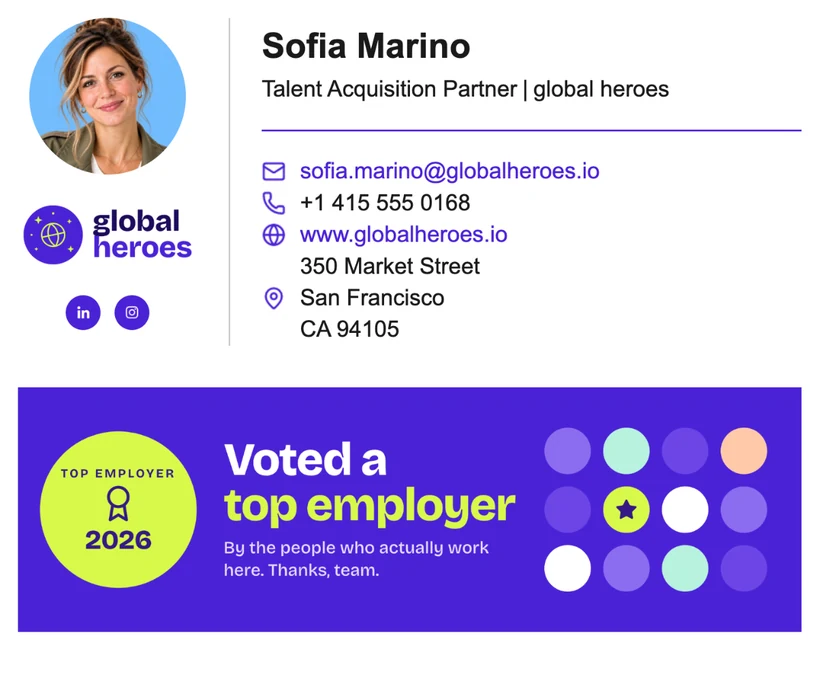
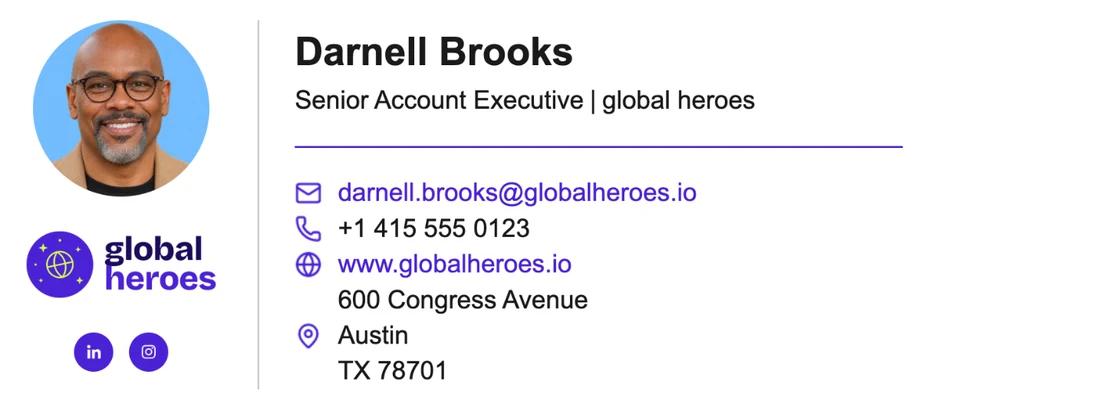
Signivo is email signature management for HR teams: it takes names, titles, teams and locations from your Google Workspace or Microsoft 365 and distributes signatures with that real-time information to every colleague right into their mailing program.
As soon as a new colleague is created in your workspace, Signivo syncs their information and assigns either a general signature or the signature of their team or location. Their signature is created automatically, with name, title and contact details already filled in.
Since titles, teams and office addresses come from Google Workspace or Microsoft 365, a change in their data there automatically results in the updated info in their signature.
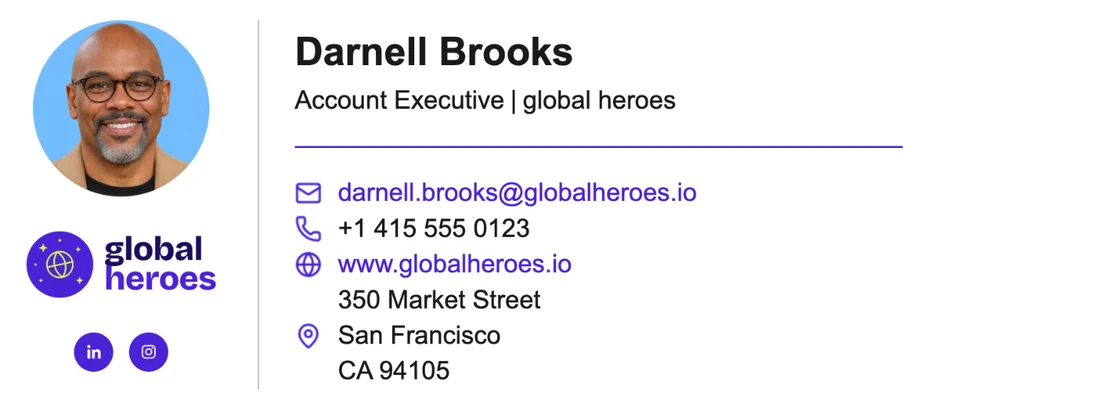
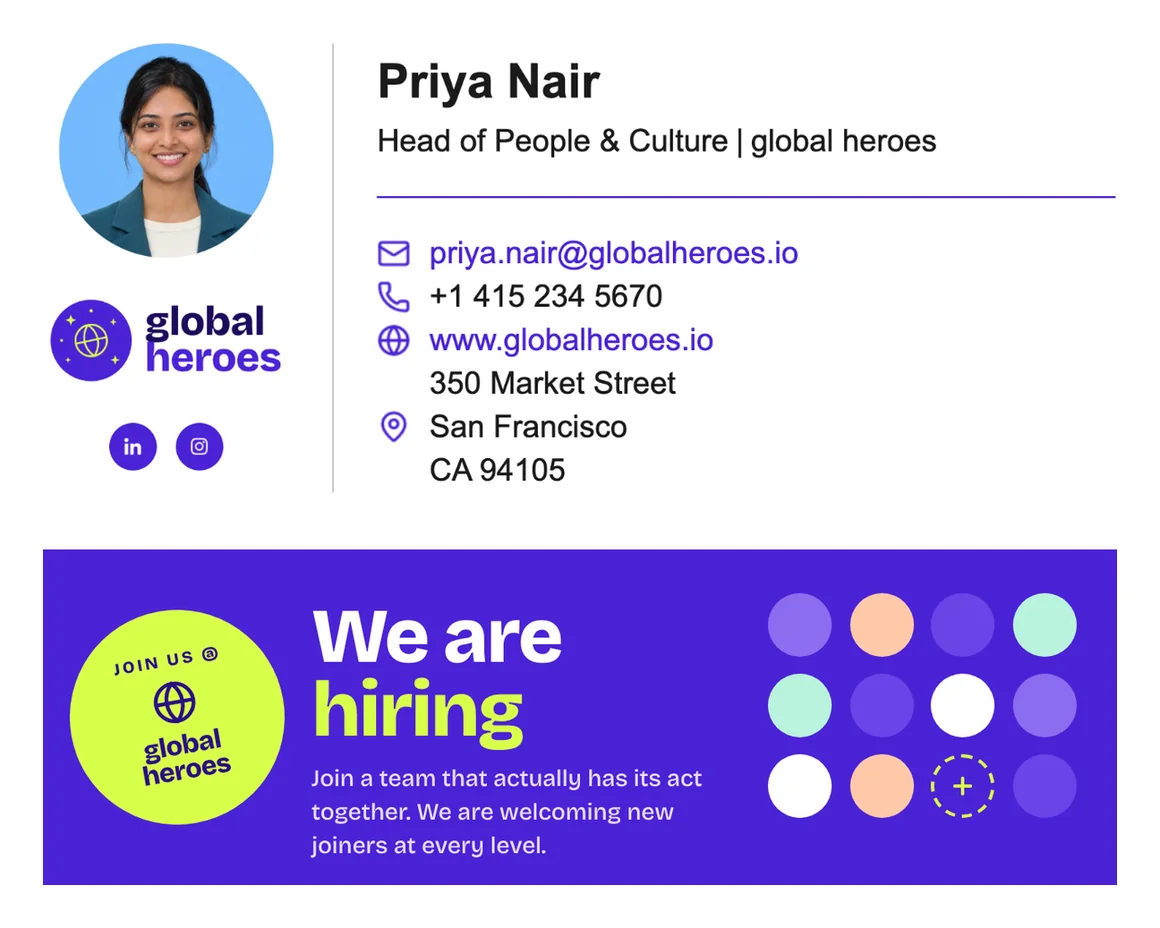
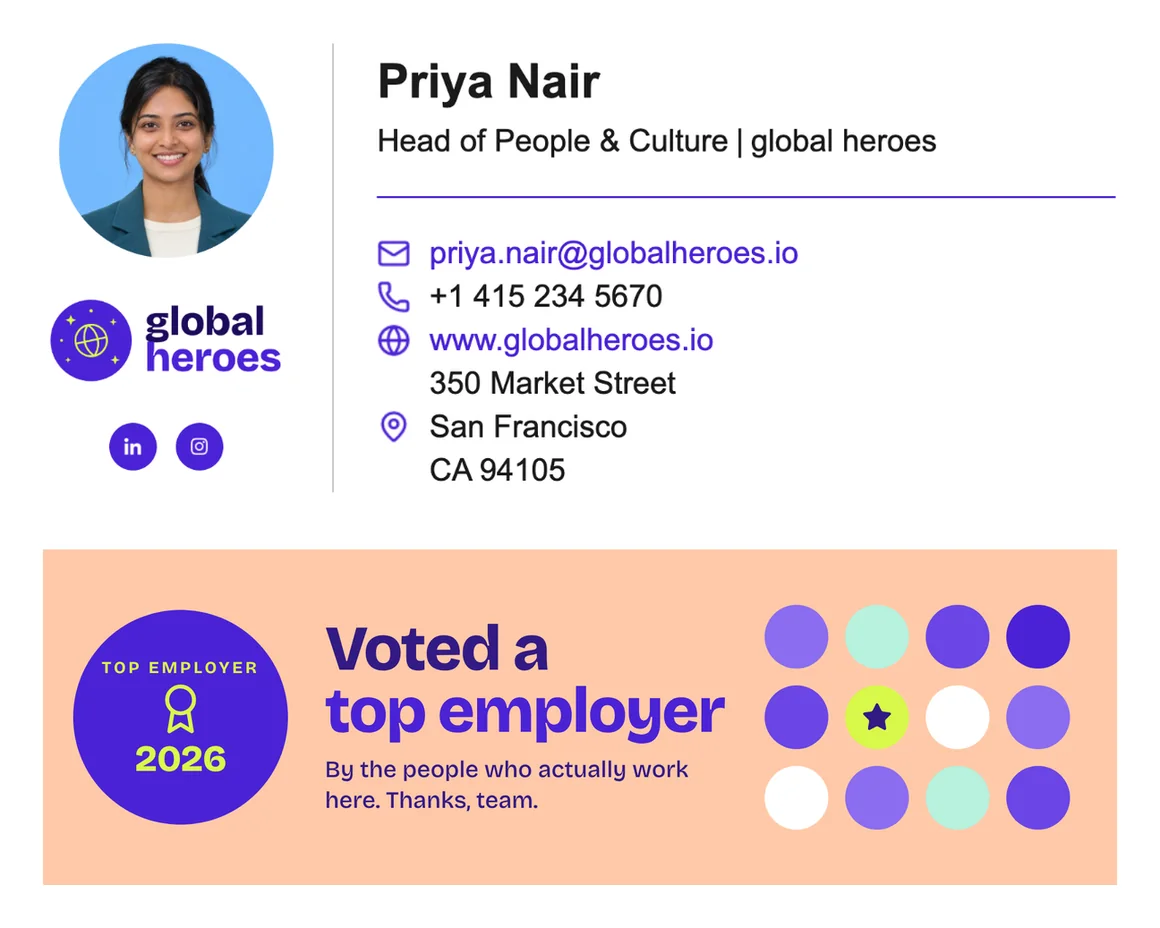
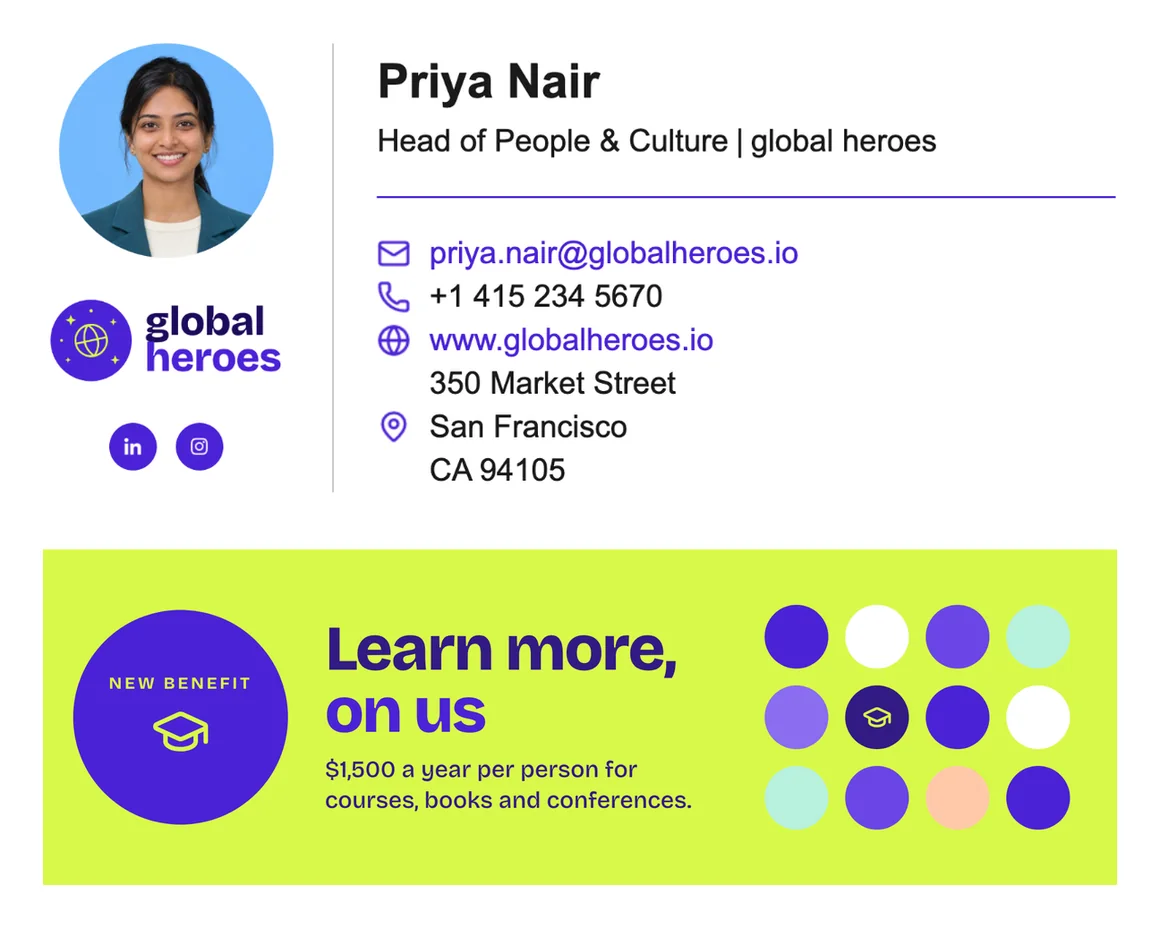
Add a banner for open roles, new benefits or the next company event, either indefinitely, for a set period, or choose a specific banner depending on the pool of recipients (in Outlook only).
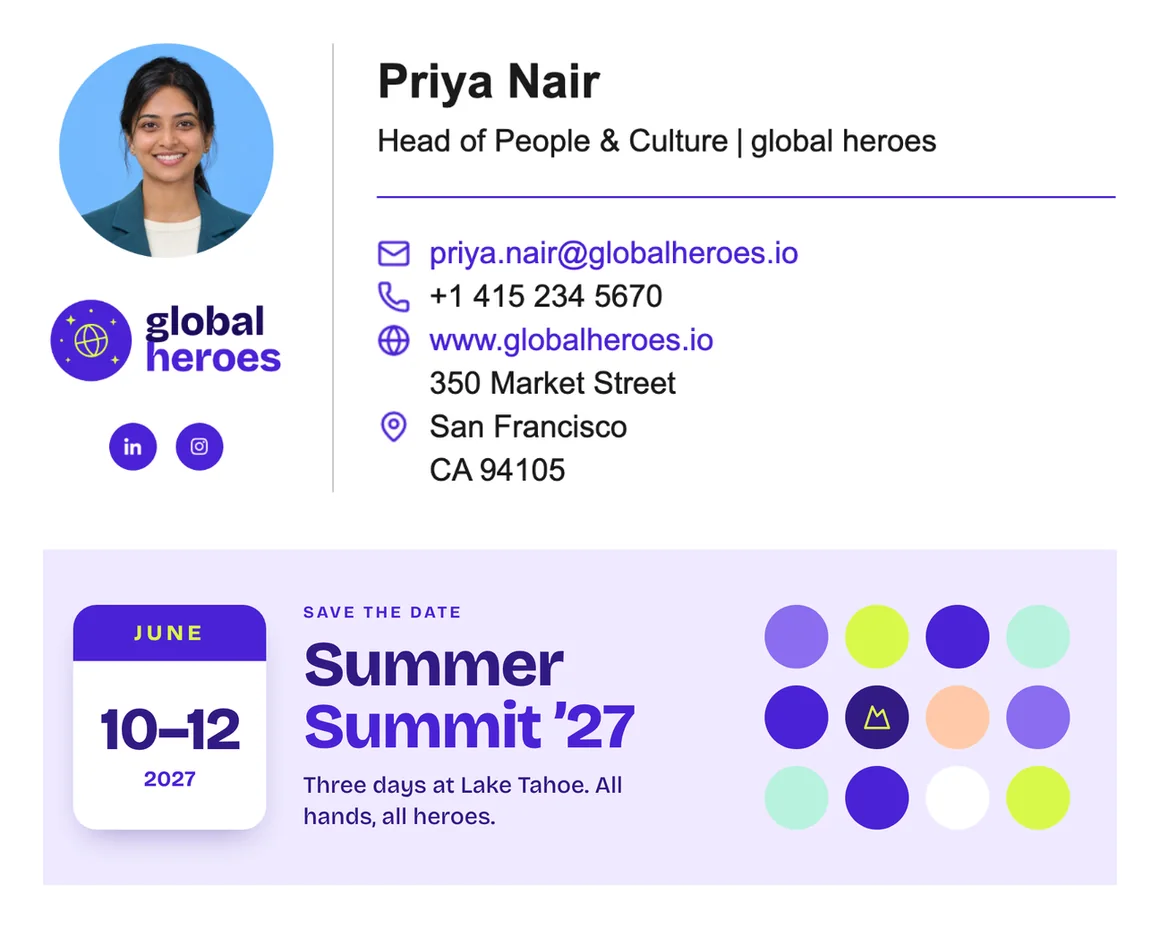
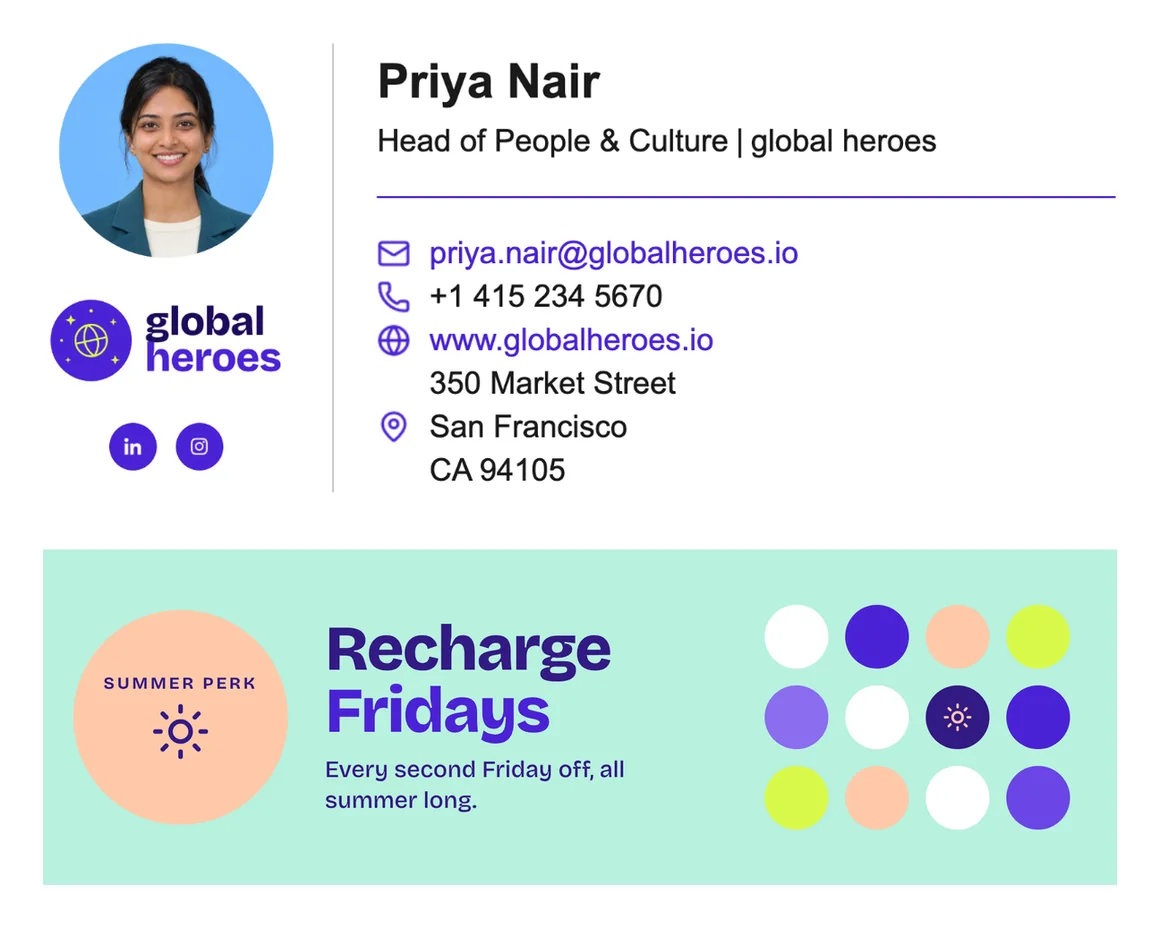
"Why does my signature look odd?" and "Where can I find the current template?" are a thing of the past because data upkeep and signature distribution run fully automated.
In practice
How HR works with Signivo
Firstly: you don't need to adopt yet another software tool. It is as simple as it gets so that if you use it, you will only spend a few minutes within Signivo to make your changes.
Other than that: here are the main things you need to know:
Your Google Workspace or Microsoft 365 admin approves the connection in order for the data and the signatures to be synced. It is the only step that might need someone else.

Pick a design or import the one you have, then add your logo and colours. Names, titles and locations fill in from the directory.

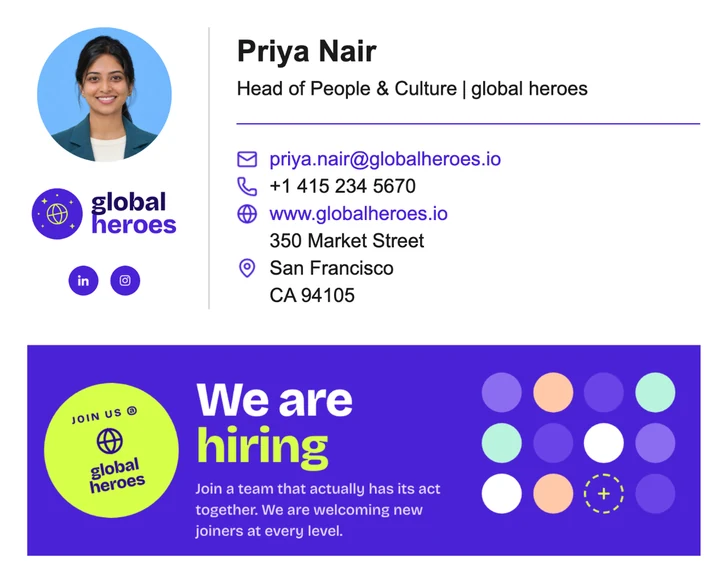
Individual teams, managers or a single office can each have their own signature. New colleagues land in the right one automatically.
Run it from HR, or name an owner in another team. Only the people you want to can publish. Everyone else just sends emails without a second thought.
FAQ
Questions HR teams ask
Only once. Your Google Workspace or Microsoft 365 admin approves the connection to your directory. After that, HR runs signatures without IT.
Before the first day. Signivo syncs with your Google Workspace or Microsoft 365 regularly on its own, and you can trigger a sync yourself at any time with a single click.
Once someone is removed from your Google Workspace or Microsoft 365, they no longer have a signature. There is nothing to switch off or delete in Signivo.
No. HR can run it or name an owner in another team, for example marketing or colleagues from your back office. But note: no matter who you choose, only these people are able to publish signatures for everyone else.
In their email client, they can. But Signivo always provides the signature you want them to have: their current details from Google Workspace or Microsoft 365, in the design you set.
Yes. If you have your current signature as HTML, upload it and use it as your starting point. If not, pick one of our templates and adjust colours, fonts and logo in the drag-and-drop editor until it looks like you want it to.
€1 per user per month, or €10 per user per year ($1.20 and $12 in USD). Every feature is included, with no tiers and no add-ons, and you only pay for active users in your directory.
Yes, 14 days, no credit card needed. When the trial ends, your account simply freezes: nothing converts into a paid plan and nothing is charged. Add a payment method whenever you're ready and pick up where you left off.
Ready to never deal with signatures again?
Set up in 2 minutes. And if you still need convincing, scroll this page again.
- 14 days for free · No credit card needed
- Works with Google Workspace and Microsoft 365