Works with Gmail & Outlook

Company-wide email signatures rolled out in 2 minutes
Set it up yourself, once. And your company is done with signatures for good.
Free for 14 days. No credit card needed.
 Microsoft Verified Publisher
 Google CASA verified
Trusted by teams at





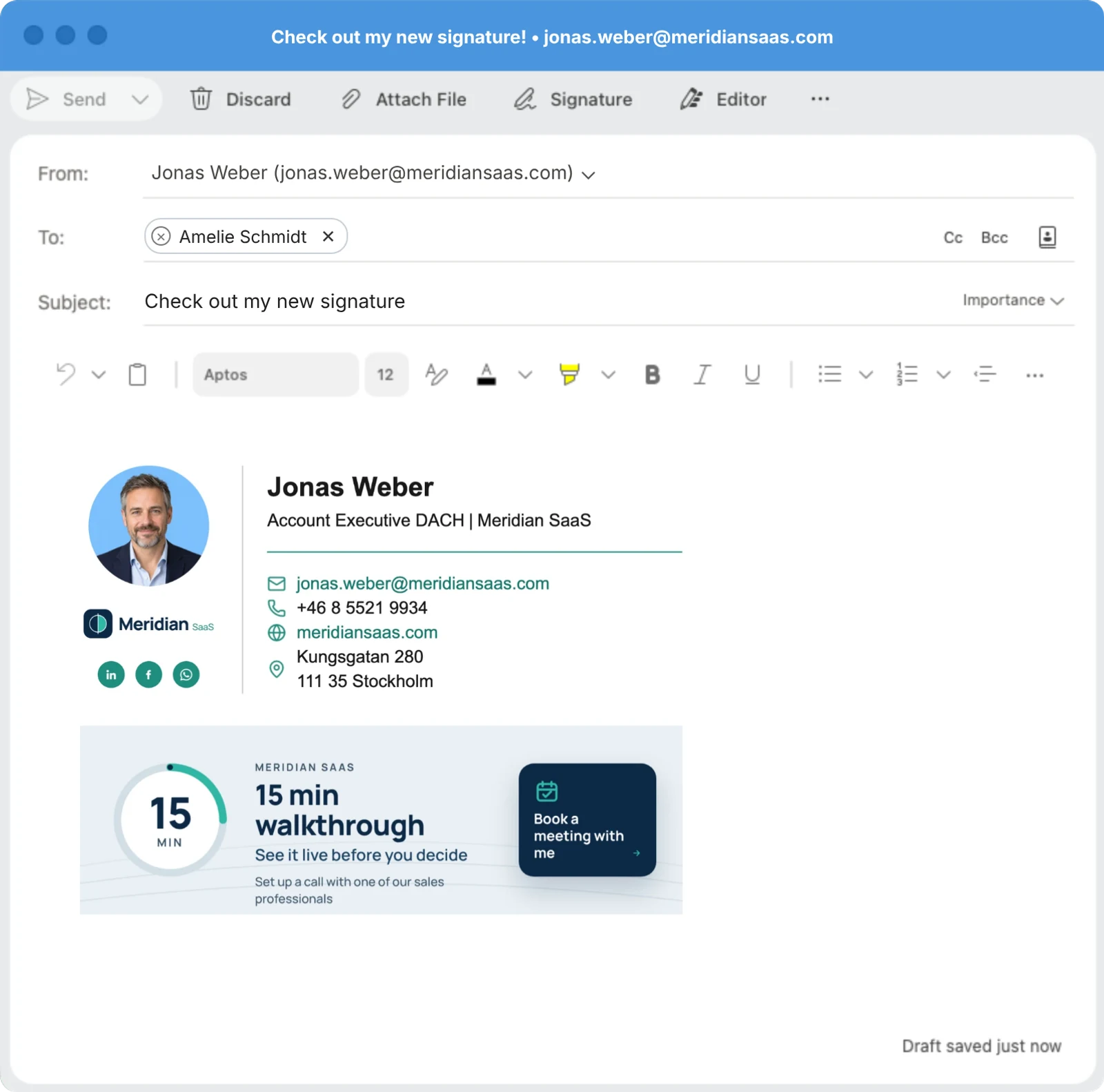
QUICK SETUP
How it works
How do company-wide email signatures work?
We built Signivo on one guiding principle: simplicity. Here is how we follow through:Sign in with Google or Microsoft and approve once. Nothing to install. Sync your directory
Connect once. Signivo pulls existing employee details automatically like name, role, location. No manual data entry.
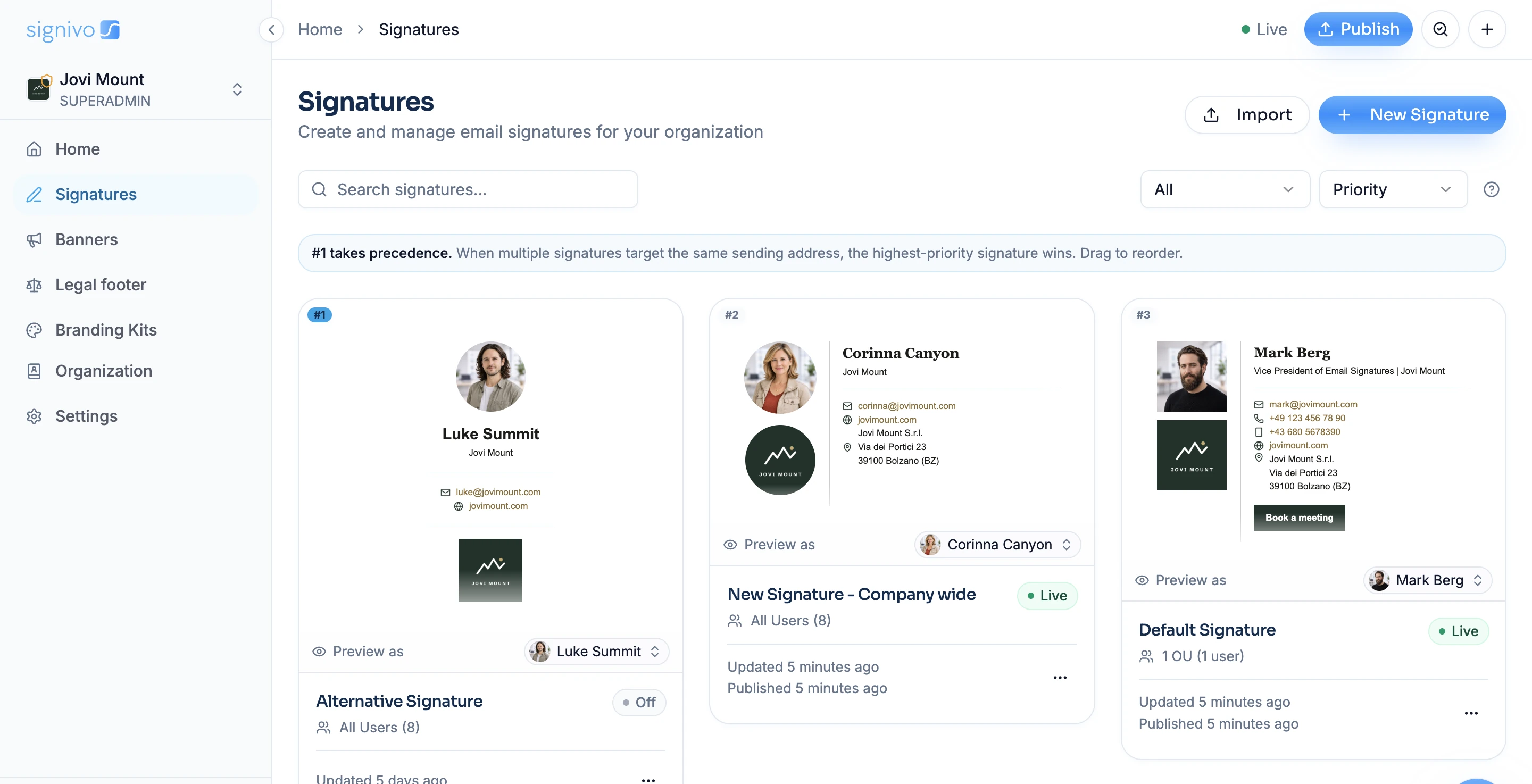
Pick a template, then adjust colours, logo and fields. Choose your template
Pick from a library of professionally designed signatures. Customise brand colours, fonts, and logos in our drag and drop editor.
Publish to everyone at once. New hires are covered automatically. Publish to your team
Publish in two clicks. Details stay correct automatically. Update once, everyone gets it. Instantly.
Find out how Signivo works with Microsoft 365 or Google Workspace.
Pricing
One price, no tiers
One euro per person per month. Move the slider and see your invoice.
or €10 per user per year - two months free
- Every feature included
- Template library and the editor
- Unlimited groups for teams and departments
- Support from actual humans
- No setup fees, no hidden costs
Monthly or yearly billing · Cancel anytime
Full breakdown, FAQ and the math behind the price →WHO BENEFITS
Who is Signivo for?
Signivo is built for every team in a company. IT can run it, but, importantly, it doesn't have to. A single person in HR, marketing or office management can set it up and easily manage it on their own.
Stop managing signatures manually
- Eliminate signature struggles in onboarding & offboarding - data syncs automatically
- No more data housekeeping - title, team, and location are sourced from your Google Workspace or Microsoft 365 directory
- Eliminate requests for "small changes" with controlled self-service while staying on-brand
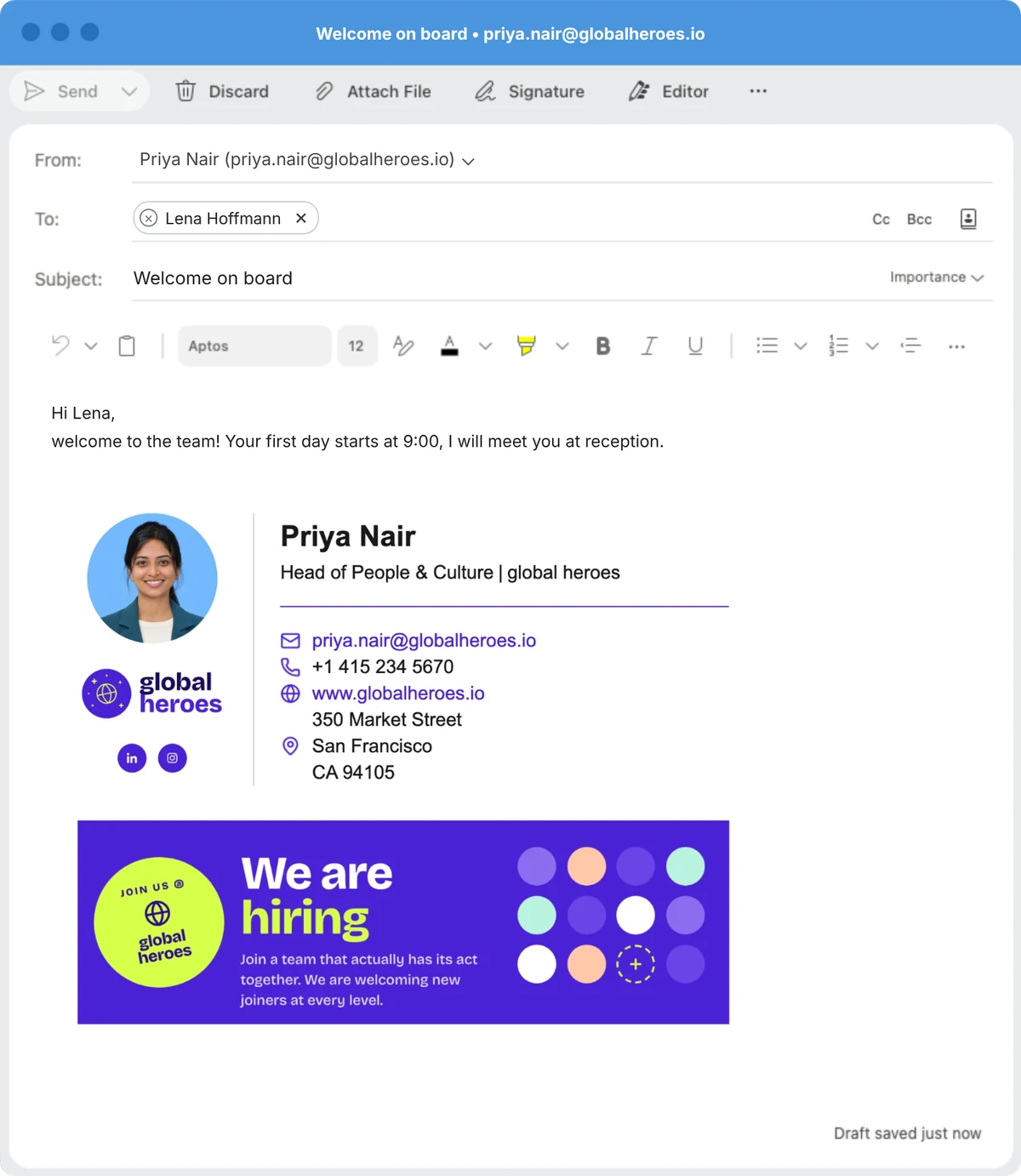
Brand consistency guaranteed
- Keep brand consistency across every sent email - only approved signatures
- Swap campaign banners centrally without chasing individual colleagues or departments
- No need for editing HTML - choose a template and refine with our visual editor
- Segment signatures by region, team, or brand for cleaner targeting with UTMs
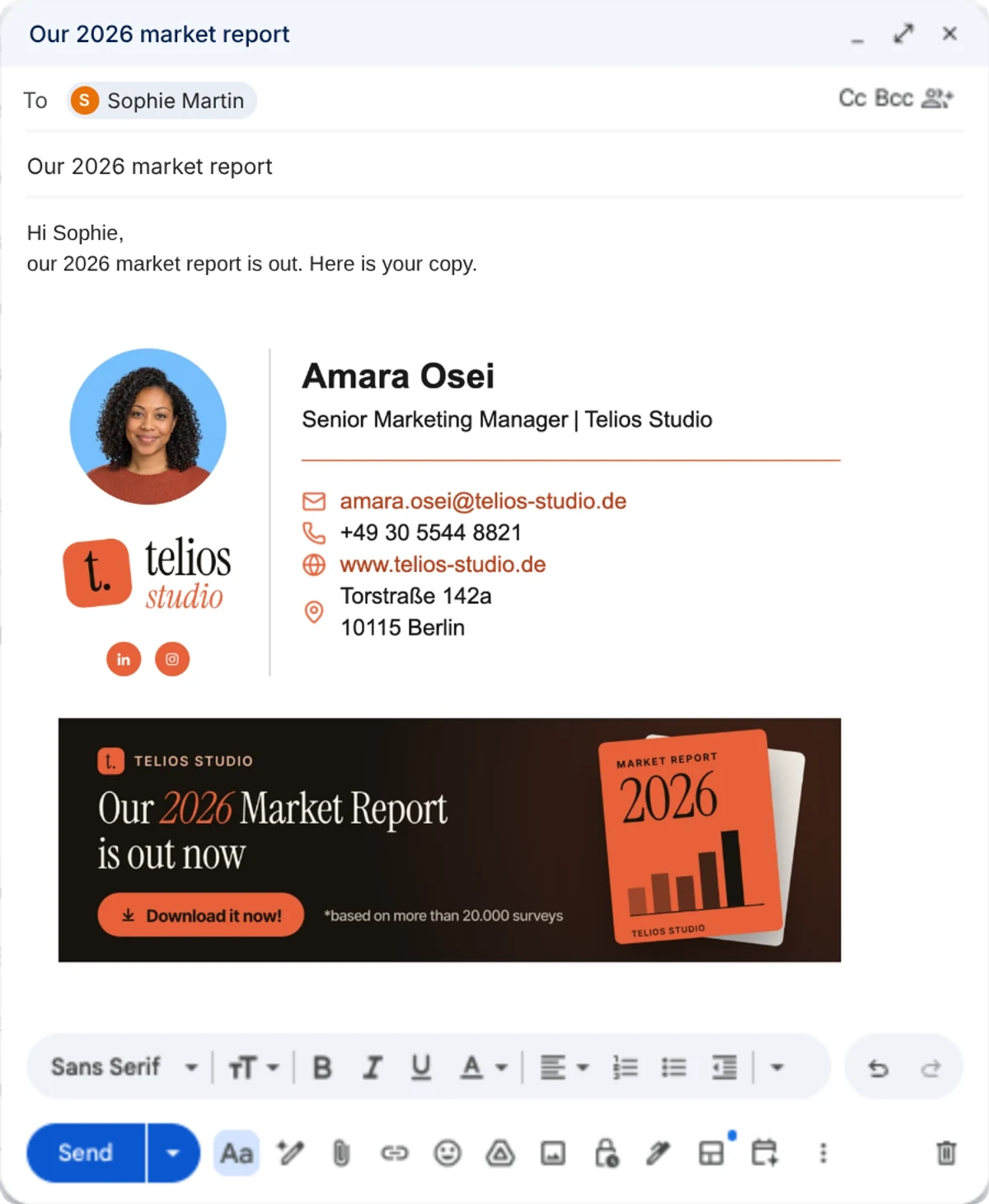
Every touchpoint looks like it came from one team
- Control sales CTAs centrally - Book a Demo, Case Study, Pricing - without relying on reps to update
- New rep, day one: correct signature, right territory, proper CTA - no setup tickets
- Segment signatures by region, deal stage, or product line
- Role changes sync automatically - no outdated titles in your prospects' inboxes
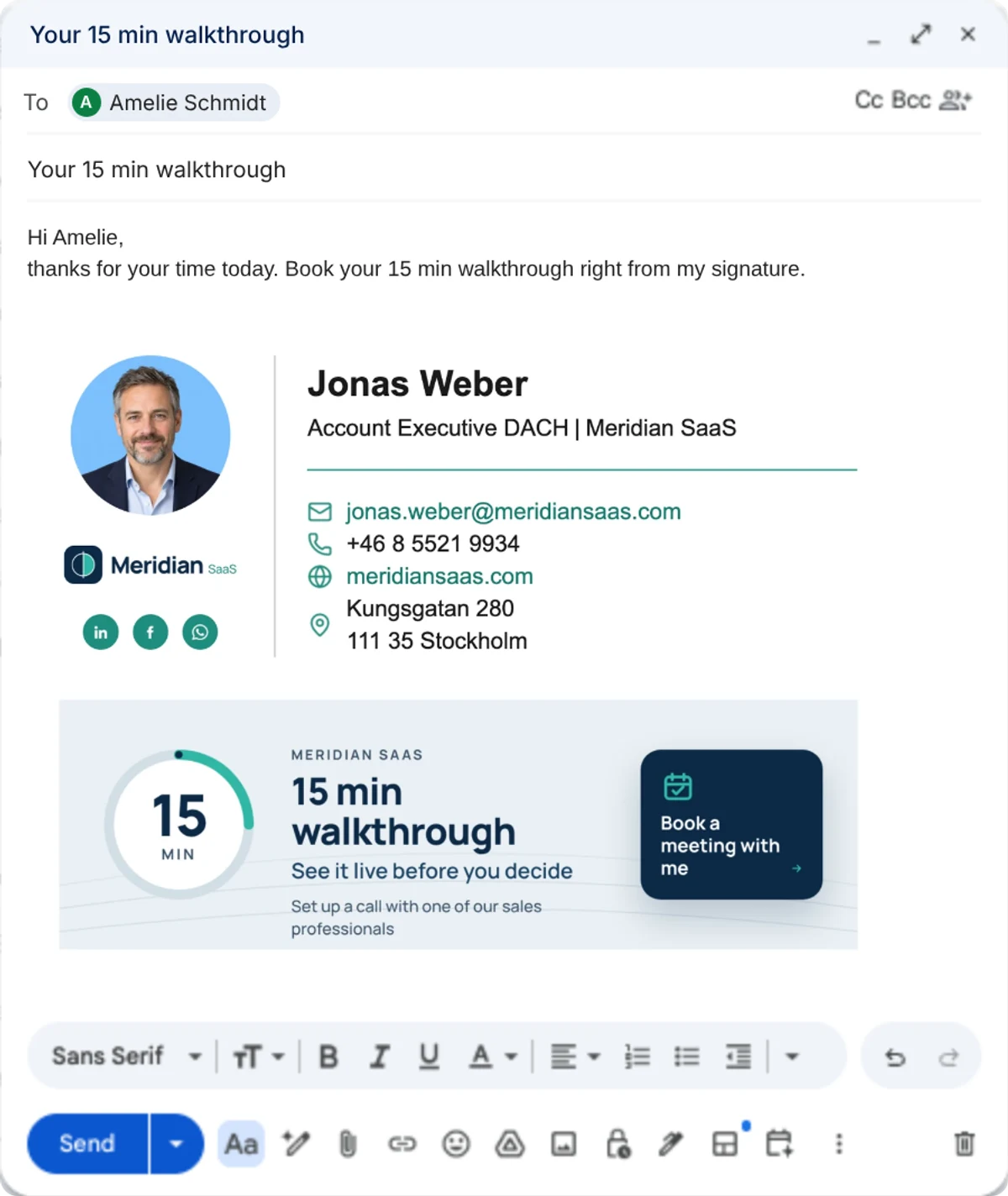
Trust can start with a signature
- Keep support & help links current - no outdated URLs in signatures
- Roll out CSAT and NPS links in a controlled way post-onboarding or after QBRs
- Segment signatures by customer stage (onboarding, adoption, renewal)
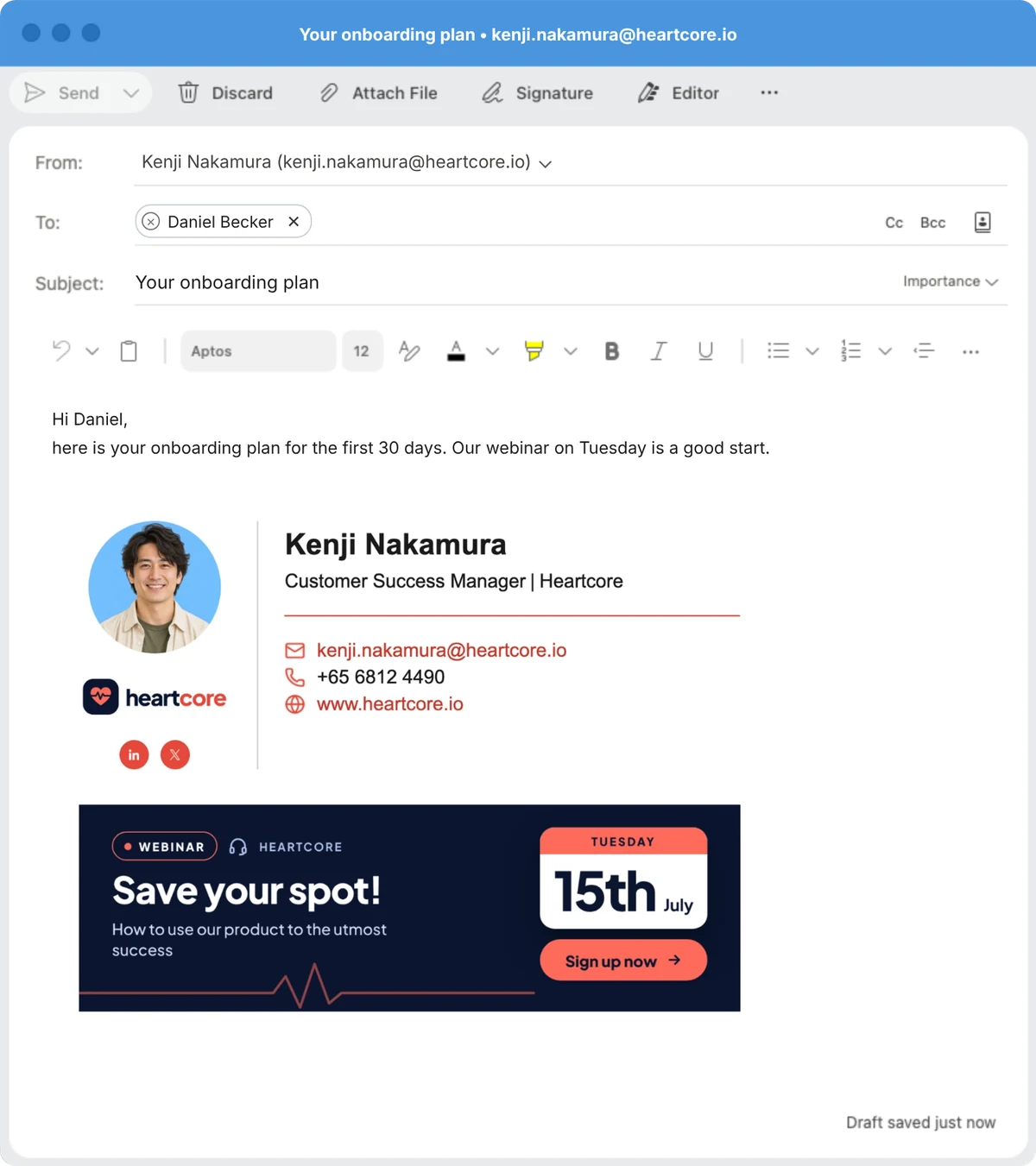
Approve once. Never touch again.
- One time approval results in central control without ongoing ticket load for IT
- Clear, least-privilege permissions - only what's required for rollout and signature data
- Reduce shadow IT - no random signature generators or manual HTML edits
- Governance & auditability: defined roles, controlled changes, predictable rollouts
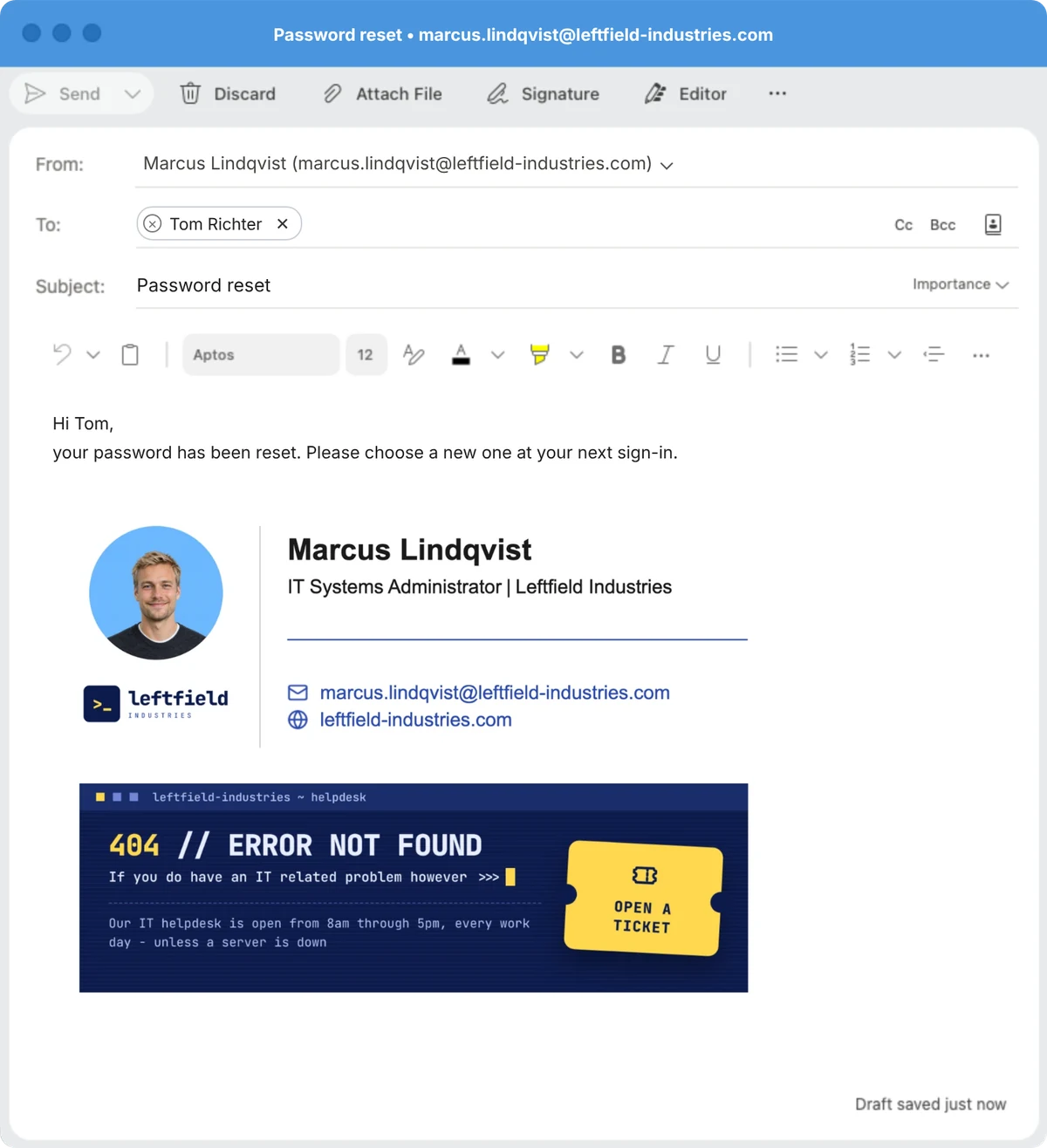
Security & Permissions
What can Signivo access in mailboxes?
What we do
- Handle signature setup and distribution only
- Pull only the employee details needed for the signature
- Show permissions visibly before you connect
- One-time approval: no ongoing IT involvement
- Read-only directory access: Signivo cannot modify users
What we don't touch
- No access to email content, drafts, or attachments
- No access to files, calendar, or contacts
- We don't change anything outside signature distribution
- Data stays consistent with your existing employee records
- Microsoft Verified Publisher
- Google CASA verified
- EU-hosted in Germany
- Minimal data access by design
FAQ
Questions we hear a lot.
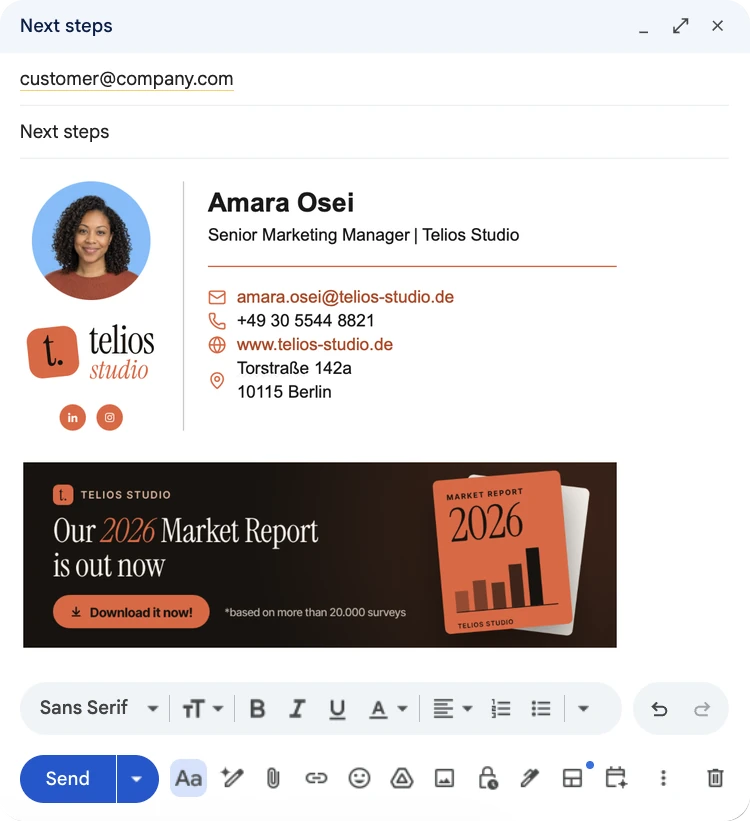
Connect Google Workspace or Microsoft 365, upload or choose your signature, and publish it to your team. That’s the whole rollout, and the demo above shows it end to end. Nobody on your team has to install anything: signatures appear in Gmail and Outlook automatically.
No. One person in your company, whether it be in IT, HR, marketing or elsewhere, is in charge of every signature. Everyone else doesn’t need to install, learn or configure anything: signatures appear in your colleagues’ Gmail and Outlook automatically, and new hires or new job titles follow on their own.
Yes. If you have your current signature as HTML, upload it and use it as your starting point. If not, pick one of our templates and adjust colours, fonts and logo in the drag-and-drop editor until it looks like you want it to.
Yes. Point a signature at everyone, one or more teams, or a location, and give each its own design. When someone changes teams, they automatically pick up that team’s signature.
One person adapts the signature and publishes it to everyone with one click, for a rebrand for example. No re-installation needed. New job titles or contact details come straight from your directory and update on their own. Campaign banners and legal disclaimers are even simpler: they live in their own library in Signivo, run either indefinitely or for a set period, and in Outlook, everyone can pick them per email.
Yes. Signivo works with Google Workspace and Microsoft 365, so signatures land in Gmail and Outlook. In Gmail, they also carry across to the Gmail app on iPhone and Android.
€1 per user per month, or €10 per user per year ($1.20 and $12 in USD). Every feature is included, with no tiers and no add-ons, and you only pay for active users in your directory.
Yes, 14 days, no credit card needed. When the trial ends, your account simply freezes: nothing converts into a paid plan and nothing is charged. Add a payment method whenever you’re ready and pick up where you left off.
Yes. All data is EU-hosted in Germany, and Signivo only uses what a signature needs: names, job titles and contact details from your directory. Signivo is a Microsoft Verified Publisher and has passed Google’s annual CASA security assessment. The full details are in our Privacy Policy and Data Processing Agreement.
No. Signivo never opens, stores or forwards a single email. It only touches the signature.
Ready to never deal with signatures again?
Set up in 2 minutes. And if you still need convincing, scroll this page again.
- 14 days for free · No credit card needed
- Works with Google Workspace and Microsoft 365