Which Google Workspace admin role do I need to authorise Signivo?
A Super Admin, once. Only a Super Admin can approve directory-wide access in Google Workspace, so this step cannot be delegated. Signivo sends you a prefilled link, you confirm, and you never touch it again.
Which permissions do I grant Signivo, and what does each one allow?
Read-only on your directory, write access to one thing. Signivo reads users, groups and org units so it can fill in names, titles and departments, and it cannot change anything there. The only thing it writes is the signature setting of each mailbox. You see the full list on Google's own consent screen before you approve, and you can withdraw it any time.
Can Signivo see the contents of my emails in Gmail?
No. Signivo does not read your mail. It touches the signature setting of each account, which is where a signature lives, and nothing else. No message is ever opened, stored, searched or forwarded.
Does Signivo need to be installed somewhere?
Not by your team. No add-in, no browser extension, nothing to roll out. One admin connects Signivo in the Google Admin console, and signatures are written from there. Anyone using a mail client other than Gmail can set theirs up from a link, but that is the exception.
How does a signature end up in the Gmail of all my colleagues?
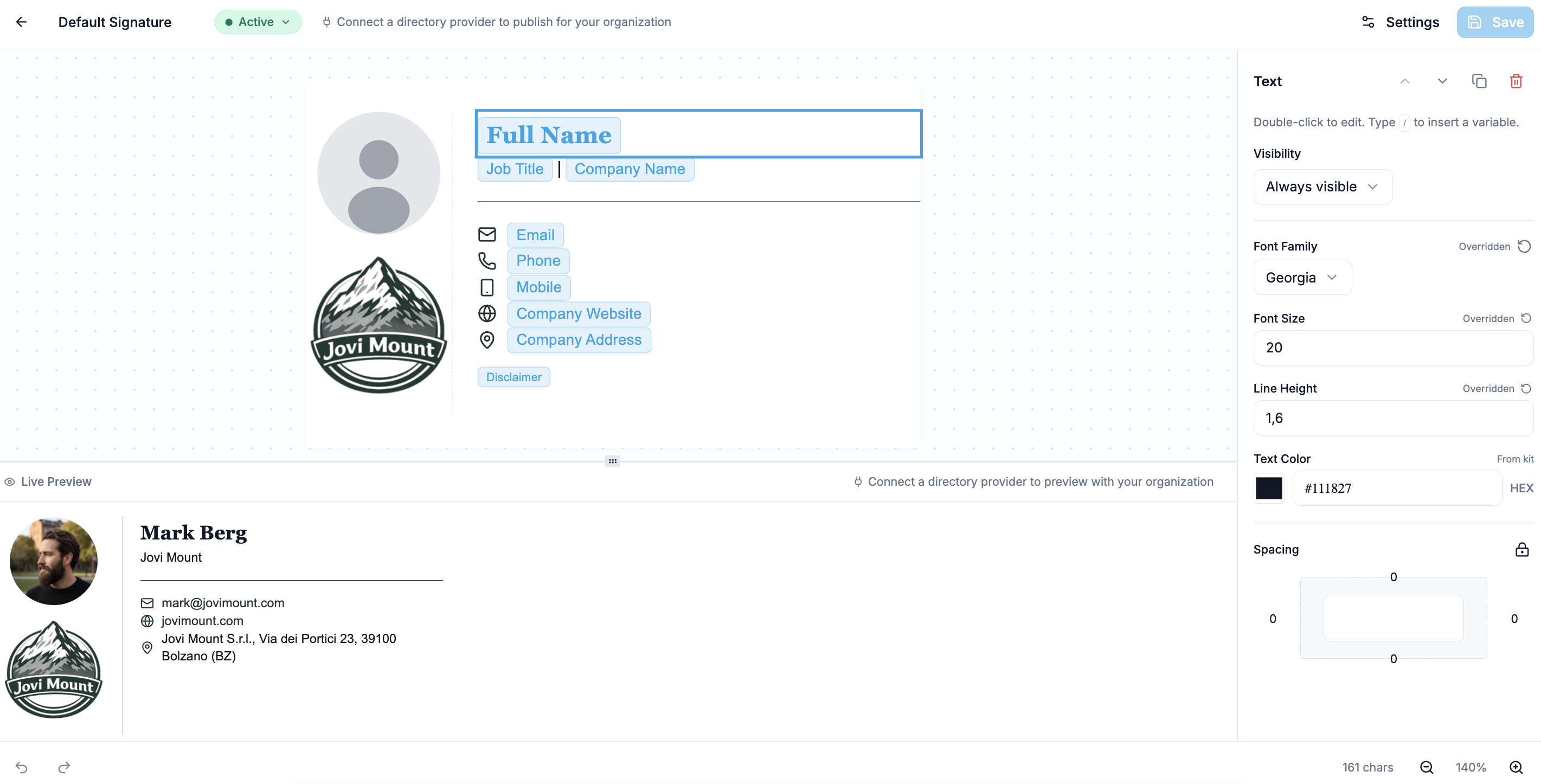
You design the signature once in Signivo and choose who should get it. Signivo automatically fills in each person's name, job title and contact details from your Google Workspace directory, then writes the finished signature into their individual Gmail account. Before anything is written you as an admin get a list of exactly which mailboxes are affected, and nothing happens until you approve it.
Will the signature also be used on mobile devices?
Yes, in the Gmail app on iPhone and Android. Since 2025 the Gmail app uses the web signature, images and formatting included, unless someone has set their own signature on their phone. Signivo writes the web signature, so it carries across.
How quickly does a change in my directory reach the signatures?
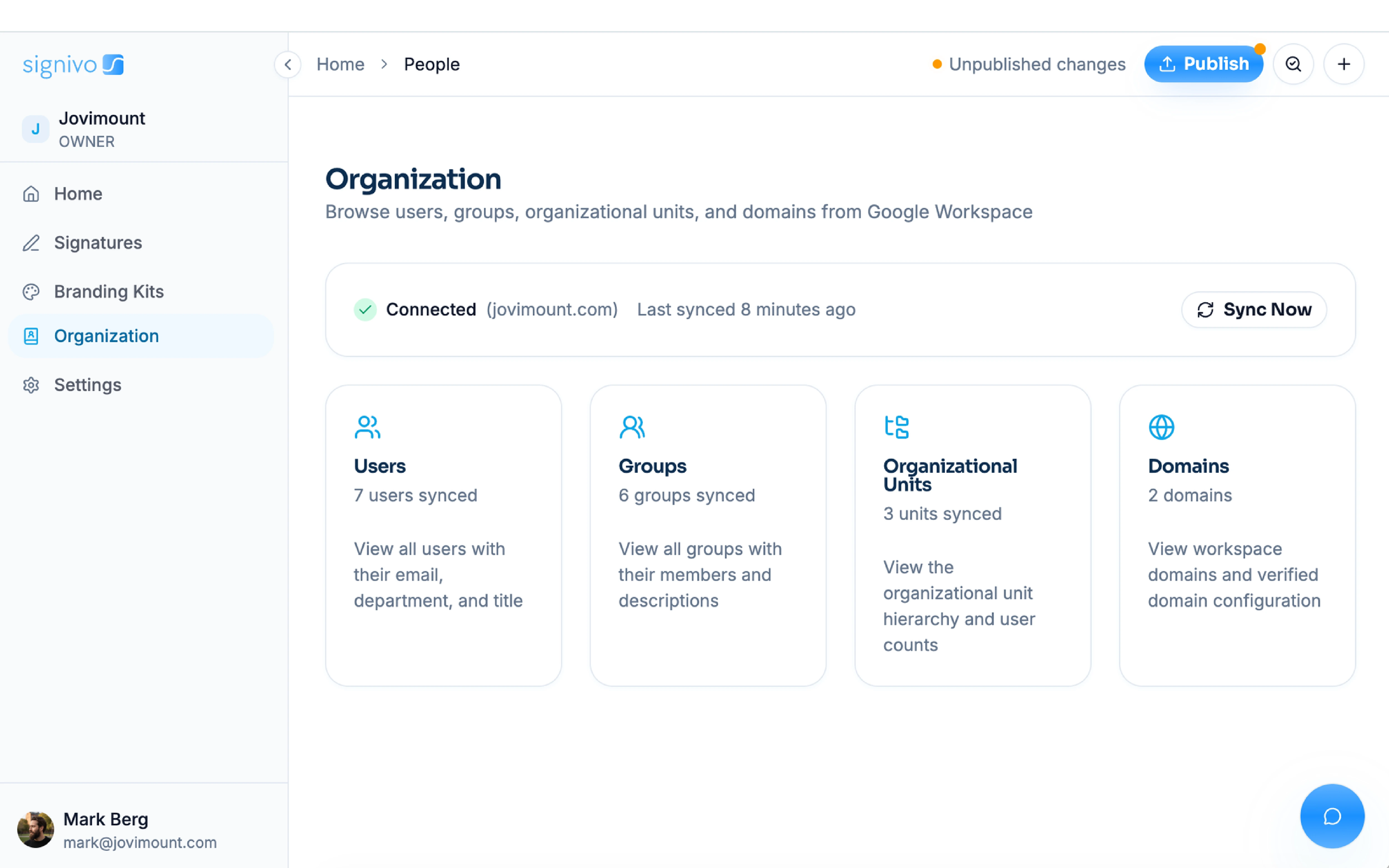
Within the hour. Signivo checks your Google Workspace directory hourly and updates the affected signatures as soon as something changes, a new job title for example. You can also trigger a sync yourself instead of waiting.
How do I set different signatures by department or location, and what happens when someone moves?
You create different groups in Signivo. Pull in a whole department such as Sales, a Google group, individual colleagues or a shared mailbox, combine them however suits your company, and give each group its own signature. Run as many side by side as you need. If two groups cover the same person, the higher priority one wins, so nobody ends up with two signatures. When a colleague moves to another team, they pick up that team's signature on the next sync. One thing to know: a department is matched exactly, so a signature aimed at one unit does not reach the units below it.
What happens to signatures in Gmail when someone leaves the company?
Your directory is the leaver list. Once someone is removed from Google Workspace, Signivo stops sending them signatures and updates and they stop counting towards your seats. If the account was deleted, the mailbox goes with it.